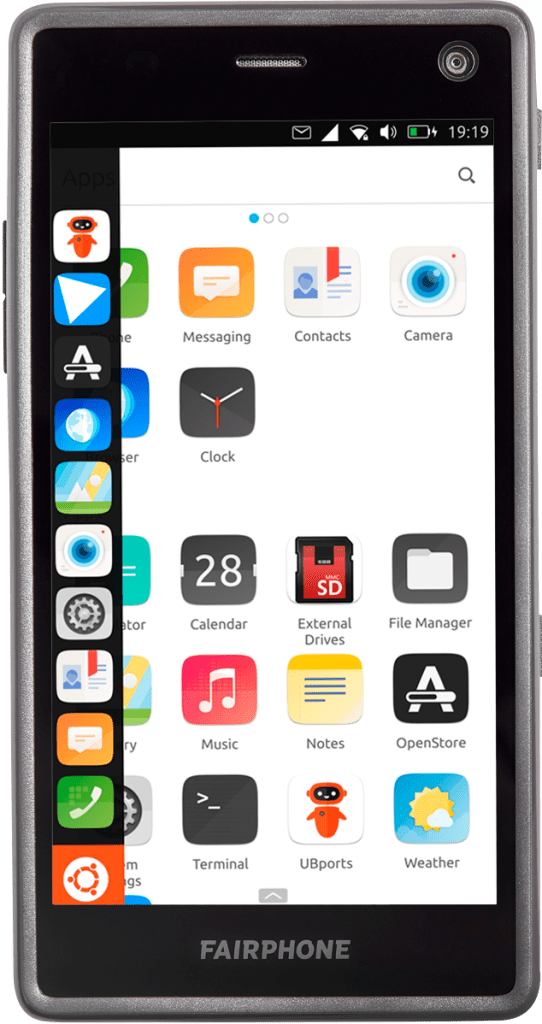
Ubuntu Touch is a mobile operating system built on the Linux kernel and Ubuntu desktop principles. It prioritizes openness, customization, and privacy. You can install Ubuntu Touch on a variety of Android devices, but remember that not all devices are supported.

Before you start the installation process, ensure you have the following:
- A computer running Windows, macOS, or Linux.
- The UBports Installer software: Download it for your specific desktop operating system from https://devices.ubuntu-touch.io/installer/.
- A USB data cable to connect your Android device to your computer.
- An unlocked bootloader on your Android device.
Now, follow these steps to install Ubuntu Touch:
- Download and Install UBports Installer:
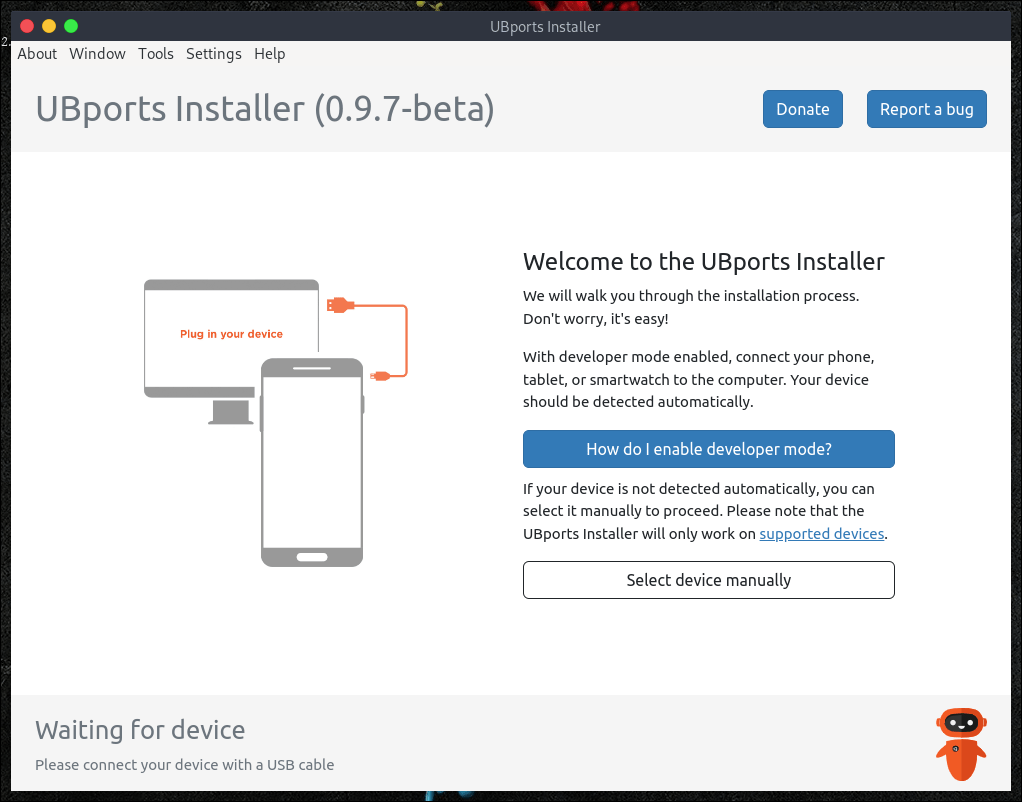
- Download the UBports Installer for your operating system.
- Install the software on your computer by following the provided instructions.
- Connect Your Android Device:
- Use the USB data cable to connect your Android device to your computer.
- Launch UBports Installer:
- Open the UBports Installer that you installed in step 1.
- Select Your Device:
- In the UBports Installer, choose your Android device from the list of supported devices.
- Begin Installation:
- Click the “Install” button in the UBports Installer.
- Follow the on-screen instructions to initiate the installation process.
- Be Patient:
- The installation process may take some time, so please be patient.
- Completion and Reboot:
- Once the installation is finished, your device will automatically reboot into Ubuntu Touch.
Additional Tips for a Successful Installation:
- Ensure that your device’s bootloader is unlocked. You can usually find instructions on your device manufacturer’s website on how to unlock it.
- Make sure your device is fully charged before starting the installation to prevent any unexpected interruptions.
- Back up all your important data since the installation process will erase all existing data on your device.
- If you encounter any issues during installation, consult the UBports documentation here or seek help on the UBports forum here.
Unique Benefits of Using Ubuntu Touch on Your Android Device:

- Ubuntu Touch is a free and open-source operating system, giving you complete control over your device and data.
- It prioritizes privacy and does not collect user data or track online activity.
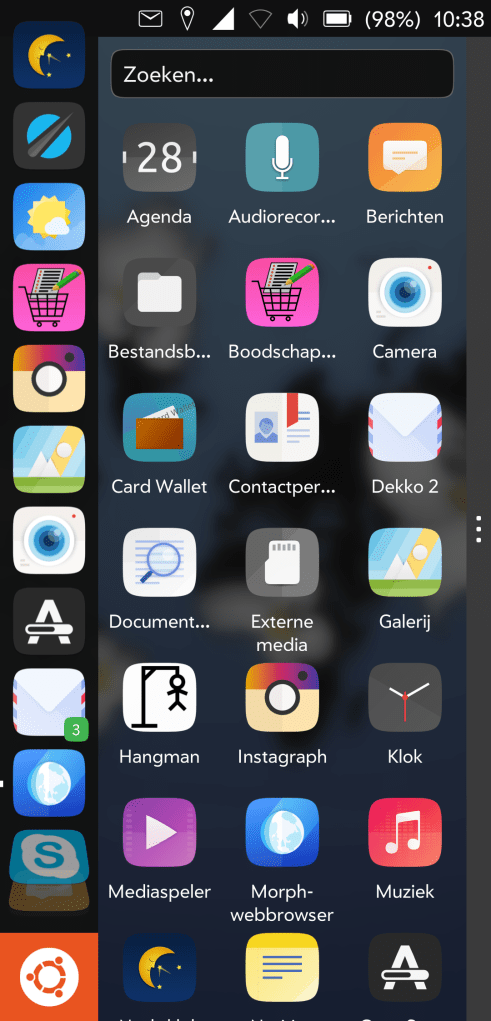
- High customization options allow you to personalize the look and feel of your device.
- Although still under development, Ubuntu Touch has a growing community of users and developers, providing ample support for users who need assistance.
If you’re searching for an open, customizable, and privacy-focused mobile operating system, Ubuntu Touch is an excellent choice. While it’s still evolving, it offers numerous advantages for users who value control and privacy.
#photos from wikipedia, #videos from youttube

Leave a comment